
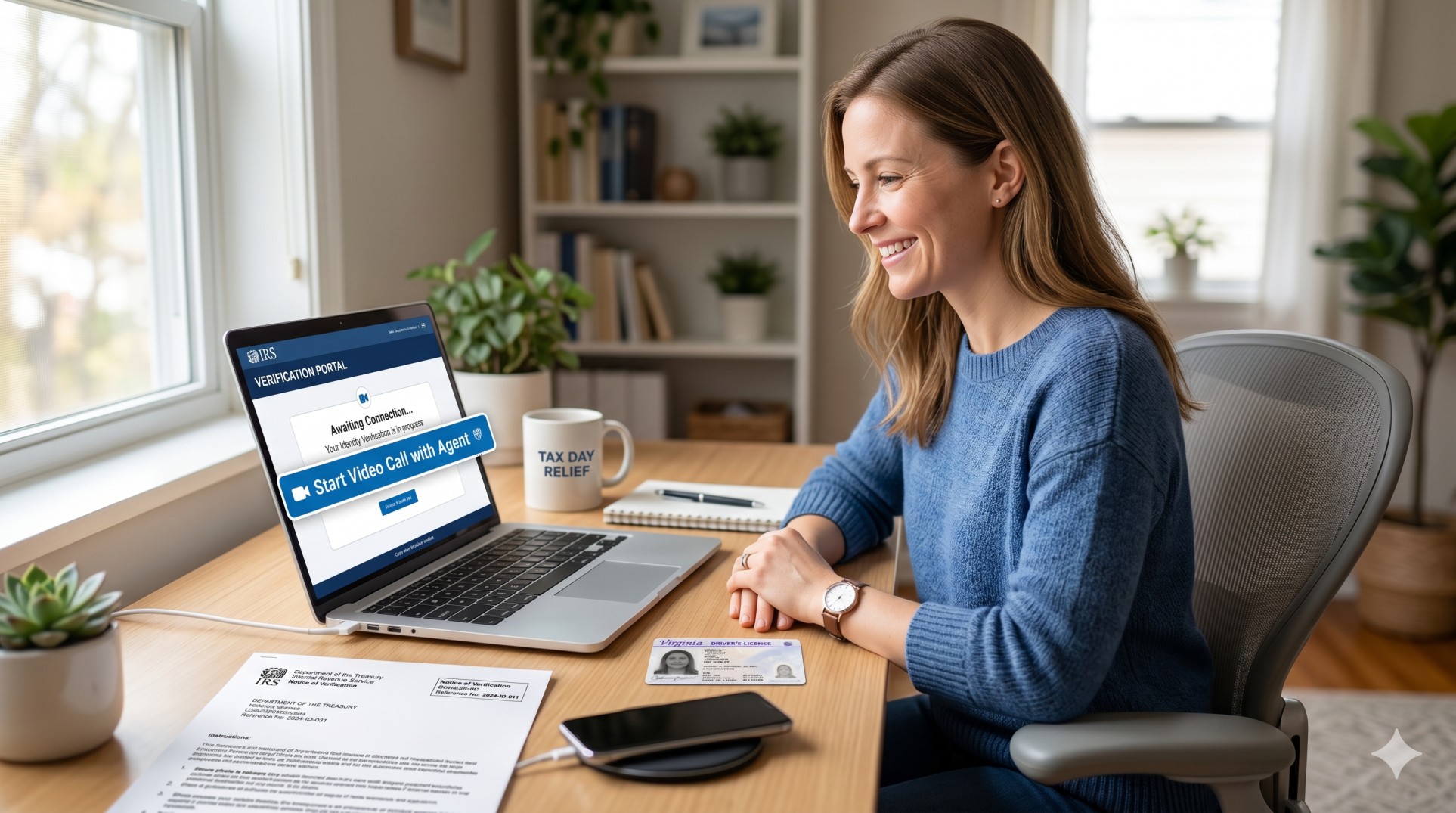
To reach an ID.me video chat agent for IRS verification, sign in to your IRS portal, select the ID.me option, and choose Video Call when prompted. If you are stuck in a selfie loop, continue through the failed prompts; ID.me will automatically offer a live Video Chat Agent (Trusted Referee) option after repeated selfie failures. Prepare your physical primary documents (such as a driver’s license or passport), join the queue, and complete the brief verification call.
⚠️ CRITICAL FINAL STEP: After the video call ends, you must return to the IRS sign-in page, log in, and click “Allow” to share your verified credentials with the IRS.
If ID.me keeps sending you back to the selfie step while you are trying to verify your identity for the IRS, take a deep breath. You are not the only one dealing with this frustrating roadblock. In many IRS verification flows, you can choose a video chat agent before you start, switch to that option after repeated selfie failures, or continue to a live video call after the software fails to capture your selfie. IRS materials officially refer to this live help path as the Video Chat Agent or Trusted Referee process.
This guide explains, in plain English, how to move past the selfie loop, what documents to gather, what to expect on the video call, and what to do if the IRS still needs more from you. It also covers the small but crucial steps many taxpayers miss, like returning to the IRS page after the video call and clicking Allow so the IRS can actually receive your verified identity profile.
Quick Answer: The Fastest Paths to a Video Chat Agent
If you are stuck right now, the fastest path is usually one of these actions:
- Choose “Video Call” if the IRS verification screen offers that option before self-service starts.
- If ID.me displays a message stating, “We couldn’t capture your video selfie,” keep following the prompts. This path will automatically redirect you to a Video Chat Agent.
- If the process freezes or loops endlessly, close the stuck browser window, open a fresh browser window, go back to the IRS sign-in page, log in with your same ID.me account, and select the video-call method.
- If the wait time is too long, you can upload your documents, get them approved, and schedule an appointment for a later time.
Why the ID.me Selfie Loop Happens
Most “selfie loop” problems are purely technical, not personal. Official ID.me troubleshooting guidelines highlight several common culprits behind this issue:
- Camera permission restrictions on your smartphone or browser
- Unsupported or outdated internet browsers
- Weak or fluctuating cellular/Wi-Fi connection
- Switching browser tabs or closing the window too early
- Poor lighting, heavy glare, or shadows on your face
- HEIC/motion-photo formats (commonly found on iPhones) that do not upload cleanly as static images
The automated selfie step also fails if your face is not clearly visible. For the best chance of success, use bright, direct front lighting, turn your screen brightness to maximum, minimize glare on glasses, and keep your face perfectly centered in the frame. Do not create a second ID.me account if the selfie step fails; doing so will trigger security flags and delay your verification even longer. Always sign back into your existing account.
How to Reach a Video Chat Agent for IRS Verification
Option 1: Choose the Video Chat Path Before the Selfie Step
If the specific IRS service you are trying to access shows both options, you can bypass the automated selfie route entirely and choose the live route from the start.
Follow these steps:
- Navigate to the IRS account portal or IRS verification page you need to access.
- Select Sign in with ID.me.
- Sign in to your existing ID.me account (or create one if you do not have one yet).
- Complete your multi-factor authentication (MFA).
- When prompted for verification methods, select Video Call.
- Upload your primary ID document.
- Confirm your phone number and enter your Social Security Number (SSN).
- Join the video call queue.
- When prompted, allow browser access to your device’s camera and microphone.
- Consent to the call recording and continue.
- Crucial: After the call, go back to the IRS page, sign in again, and click Allow to share your verified information.
Note: If you do not have a standard driver’s license, state ID, or passport, you can choose the option indicating you lack these documents to be routed directly to an extended video call.
Option 2: Let Repeated Selfie Failures Route You to Video Chat
This is the path many taxpayers discover by accident. If your selfie keeps failing and the system displays a message saying it could not capture your video selfie, continue following the on-screen prompts. The system is designed to automatically route you to a Video Chat Agent for a short video call once automated self-service fails.
If your physical ID document was already successfully approved during the automated stage, ID.me allows you to reuse that approved document on the video call. This means you won’t have to upload it again, which saves significant time.
Option 3: Switch Methods When the System is Stuck
If the system freezes or keeps looping on the selfie step without offering a video call, you can force-reset the flow:
- Close your current browser window completely.
- If you were waiting in a queue, select Save & Exit.
- Open a fresh, updated browser window (preferably using Chrome, Safari, or Firefox).
- Make sure Private Browsing/Incognito mode is turned off, as this can block the verification tokens.
- Go back to the IRS login page, sign in with your same email and password, complete MFA, and select the video-call method.
Option 4: Schedule an Appointment If Wait Times Are High
If the wait time for an available agent is too long, you do not have to wait in line indefinitely. Once your documents are uploaded and approved, you can:
- Stay in the live digital line.
- Select Save and exit to return at a quieter hour.
- Schedule an appointment for a specific time.
Appointments can be booked up to one week in advance. If you are scheduling a same-day appointment, the earliest available slot will be two hours from your current time. Once booked, you will receive an email confirmation containing your direct link to join the video call.
What Documents You Need for the Video Call
For a Short Video Call
A standard short video call with an agent generally requires:
- A smartphone or tablet with a working camera
- An active email address
- A Social Security Number (SSN)
- One primary photo ID (e.g., U.S. driver’s license, state ID, U.S. passport, or passport card)
For an Extended Video Call
If you do not possess a standard primary photo ID, or if your identity cannot be confirmed via the short route, you will be directed to an extended video call. For this path, you must present either:
- Two primary documents, OR
- One primary and one secondary document
You may also need additional documentation to prove your current physical address, your Social Security Number, or a recent legal name change (such as a marriage certificate or court order).
⚠️ IMPORTANT: You must have the physical, original documents in your hand during the video call. Copies, printouts, scans, or photos shown on a secondary screen are strictly rejected by agents.
Common Primary and Secondary Documents
| Primary Documents (Need 2, or 1 + Secondary) | Secondary Documents (Need 1 if paired with Primary) |
|---|---|
|
|
Documents That Will Be Rejected
To avoid being disconnected or rejected by the video agent, do not attempt to use:
- Photocopies or digital screen-grabs of documents
- Digital IDs (mobile driver’s licenses)
- W-4 forms, 1040 tax return copies, or general bank letters
- Temporary or paper IDs (unless accompanied by an expired physical ID as allowed by state extensions)
IRS Letter Verification: What Else to Have Ready
If you are verifying your identity because the IRS sent you a letter regarding your tax return (such as Letter 5071C, 4883C, 5447C, 5747C, or 6331C), keep these items next to you during the process:
- The physical IRS notice or letter
- Your original or amended Form 1040 tax return for the tax year specified in the letter
- A copy of your prior-year tax return (if applicable)
Note: If your IRS letter explicitly instructs you to use an in-person or phone-only verification method instead of an online portal, you must follow those exact instructions. Not all tax return verifications can be resolved via ID.me.
What Happens During the Video Call
During a short video call, the agent will visually compare your live camera feed to the ID document you uploaded. This process is very quick and typically takes only 2 to 3 minutes.
During an extended video call, the agent will verify your uploaded documents, ask you to confirm details (such as your full legal name, date of birth, SSN, and mailing address), and instruct you to hold your physical documents up to your webcam or phone camera. They will ask you to tilt the document to show its security features (holograms, seals, or raised text).
Support & Accessibility: You are permitted to have a helper or sign-language interpreter with you during the video call. ID.me offers American Sign Language (ASL) video calls upon request, and extended video calls can support over 240 languages via phone/video interpreters.
The Step People Miss: Returning to the IRS Portal
This is the single biggest reason taxpayers remain “stuck” even after finishing their video call.
Finishing your call with the Trusted Referee does not automatically update your status on the IRS website. You must perform these final actions to complete the link:
- Wait for the confirmation email from ID.me showing your identity is verified.
- Navigate back to the original IRS portal sign-in page.
- Log in using your newly verified ID.me account credentials.
- A prompt will appear asking for authorization to share your profile details with the IRS.
- Click Allow (or Authorize).
If you skip this step, the IRS will never receive confirmation of your identity, and your tax return processing or portal access will remain frozen.
What to Do If ID.me Fails Completely (Your Backup Plan)
If you cannot pass the ID.me verification process due to missing documents, technical issues, or repeated system failures, you can still verify your identity directly with the IRS.
- In-Person Verification: You can schedule an appointment at a local IRS Taxpayer Assistance Center (TAC). Call the appointment line at 844-545-5640 to schedule. You must bring the IRS letter, your tax return, and two physical forms of identification.
- Phone Verification: If your letter allows it, you can call the toll-free number provided in your specific letter. Be prepared for potentially long hold times, and have your tax documents in front of you.
How to Stay Safe: Watch Out for Scams
Fraudsters frequently target taxpayers who are frustrated with online verification systems. Keep these security rules in mind:
- The IRS and ID.me will never initiate contact via text, email, or social media to request your sign-in credentials, selfies, or payment.
- ID.me does not offer inbound phone support. Be highly skeptical of any phone numbers found on search engine ads claiming to be “ID.me Help Lines.”
- Only access the ID.me login portal directly through secure
.govor officialid.mewebsites.
Frequently Asked Questions (FAQ)
Can I choose a video chat agent instead of the selfie route?
Yes. If the option is presented on your screen, you can choose Video Call to bypass the automated biometric selfie process entirely.
Do I need to upload my ID all over again if the selfie step fails?
No. If ID.me successfully scanned and approved your driver’s license or passport before the selfie failed, that document data is saved. You can reuse it when connecting to your live video chat agent.
What if I do not have a smartphone?
You can use a laptop or desktop computer equipped with an external webcam, or choose the in-person verification backup path at an IRS Taxpayer Assistance Center.
How long does the IRS take to process my refund after I verify?
Once you complete verification (including the final “Allow” step), it can take up to 9 weeks for the IRS to process your return and issue your tax refund. You should wait 2 to 3 weeks before checking your status on the official “Where’s My Refund?” tool.
Are my selfies and video call recordings kept forever?
No. For standard IRS identity verification, ID.me is contractually and legally required to delete biometric data (including selfies and video scans) within a set period after your identity is successfully verified, except in cases of suspected fraud.
Final Takeaway
If you are caught in an endless loop of selfie capture errors, do not keep repeating the same step hoping for a different result. Exit the automated flow, log back in, and opt for the Video Chat Agent (Trusted Referee) path. Keep your physical ID cards, tax letters, and SSN card at your desk, complete the live interview, and make sure to click Allow at the very end to link your verified account back to the IRS. That final step is what turns a failed attempt into a successful verification.

Hmm… Think of: In the future, the modern world might not always be ageist.
Humans could sooner or later will no longer think it
could be ALRIGHT to talk about a silly joke in relation to another individual’s maturity or perhaps even infirmity.
Except we usually are not there at this point. A lot of of all of our
elderly people will be directed as a result of spouse and
children to live their own surviving years in assisted living.
Geriatric Massage NJ is offered from certain of the considerably more comprehensive assisted living facilities.
These spots potentially already have workout instructional classes, arts
and designs, and in addition Salsa Dance.
Contrary to popular belief, right now there have been examples precisely where some folks
inside nursing facilities have fallen in love, and even seem
to have been stopped from spending time with each other, upon the
directives of the individuals managing the facility.
Which in turn only is perceived as surely harsh and even abominable.
Exactly what I definitely care most about is wellness subject areas.
I sign up for mags that concerns this subject matter,
and I keep up to date about the latest health studies. Just
how is this important? Personally, I think there’s no more critical focus for
my energy. Furthermore, this blog page seems as if it’s deserving the time to check
out again. I sift through thousands or more of websites every week.
Honestly, my back usually is painful and I desire a all new spare time interest.
lol In any case, I believe if absolutely everyone composed blogs
about their unique time in the universe, and did so well, we’d have a more robust society.